swipe photo cleaner
Kuai su hua dong jue ce
SwipePurge gong neng wei kuai su yu an quan er she ji: fen lei lane, queue-first shan chu, jin du tong ji qing xi ke jian.
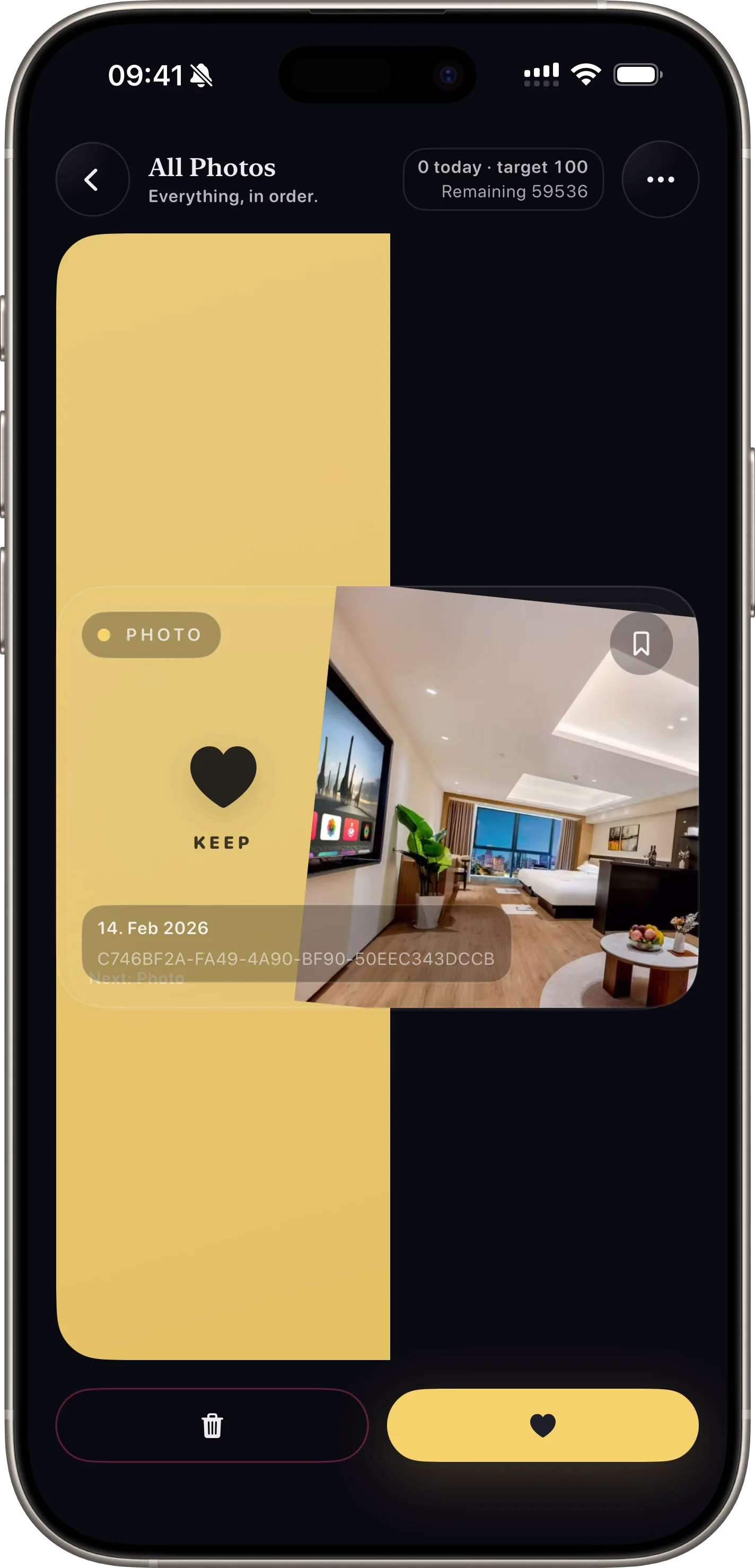
Zuo you hua dong ji ke kuai su qing li da liang zhao pian.
Why this feature matters
- + Users can process large photo volumes quickly with one-thumb actions.
- + The interaction is intuitive and lowers decision fatigue.
- + Fast throughput helps convert installs into first-session wins.
How it works
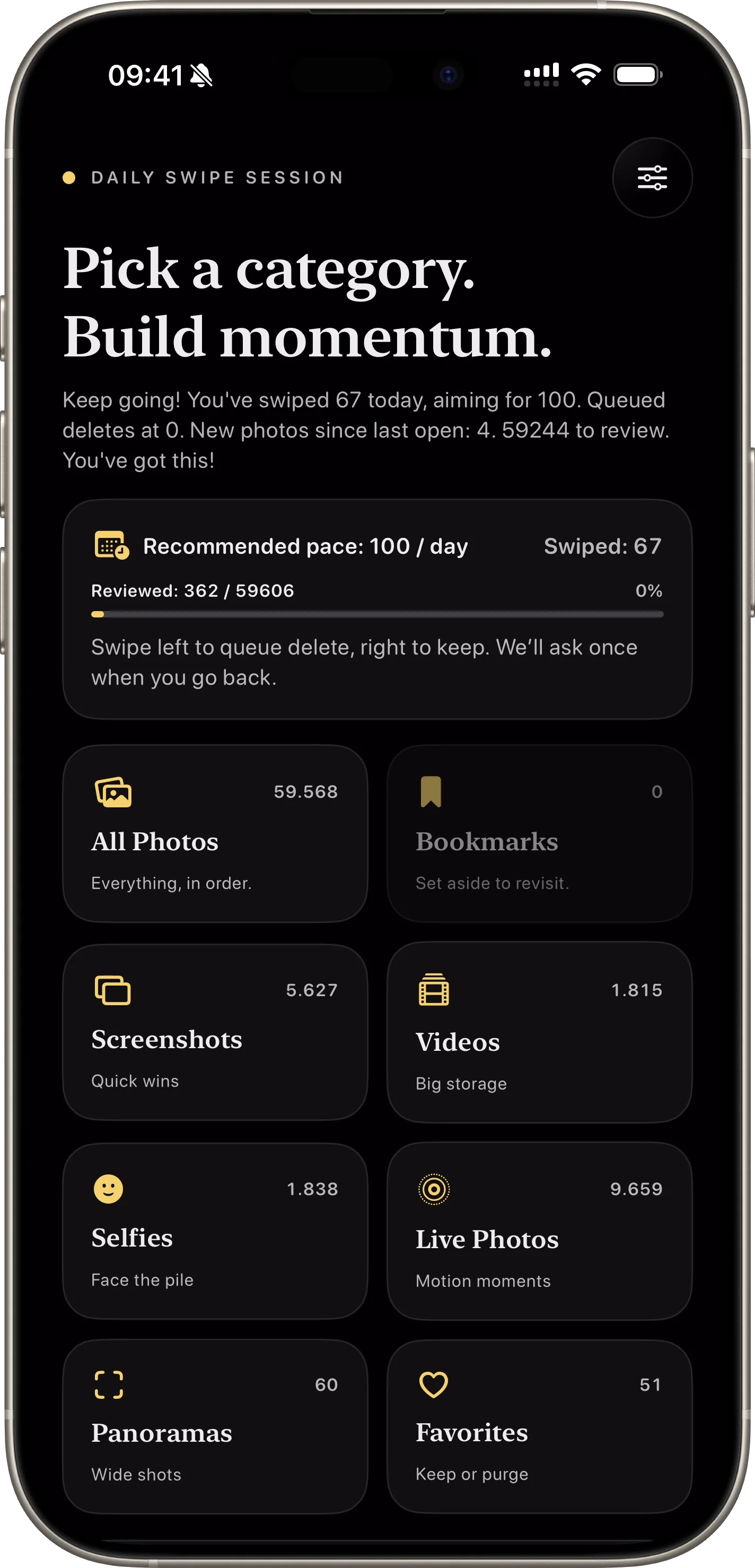
- 01 Open a category or album lane.
- 02 Swipe right to keep an item.
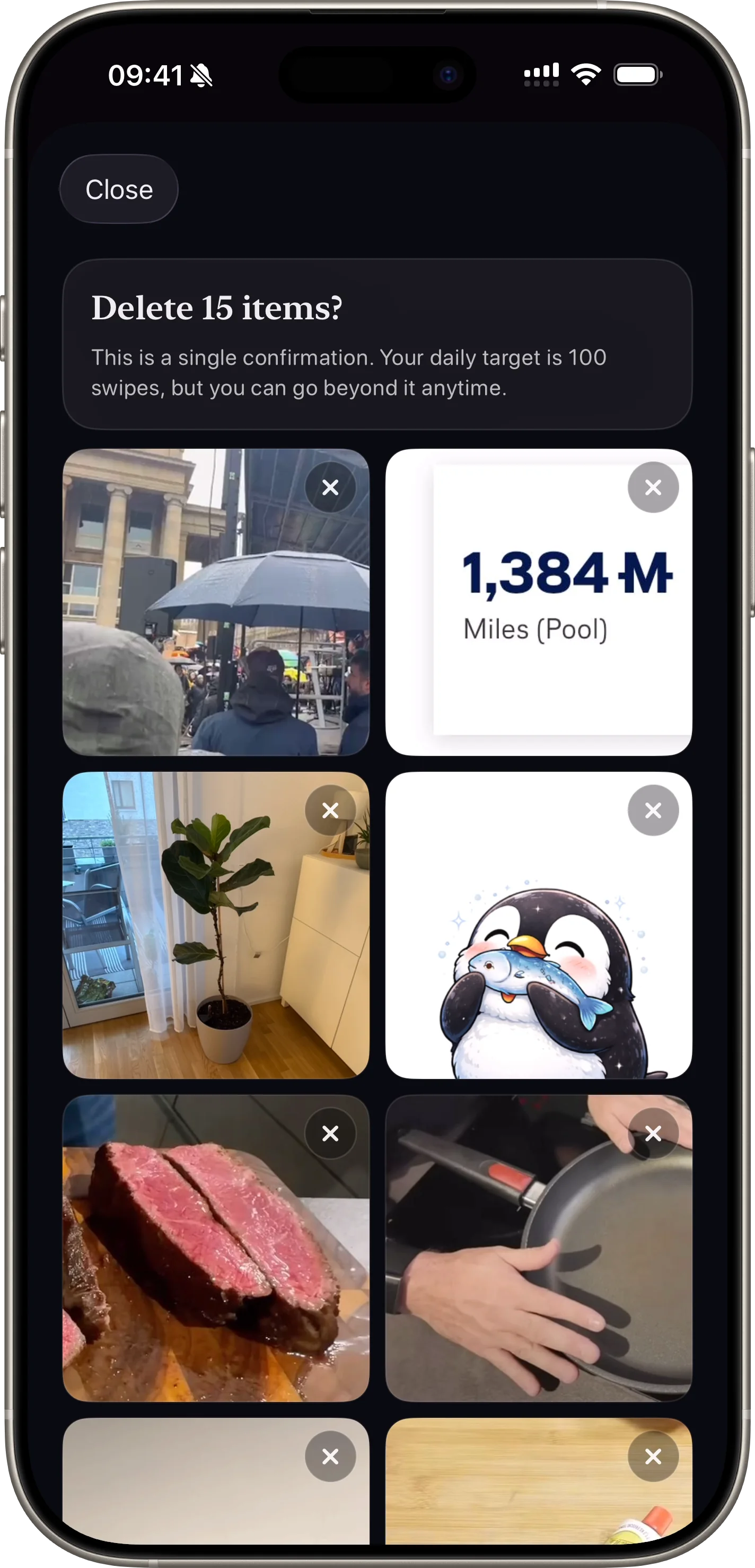
- 03 Swipe left to queue it for deletion review.
Feature FAQ
Does swiping delete immediately?
No. Left swipes add photos to a pending queue so users can review before deleting.
Can users stop and continue later?
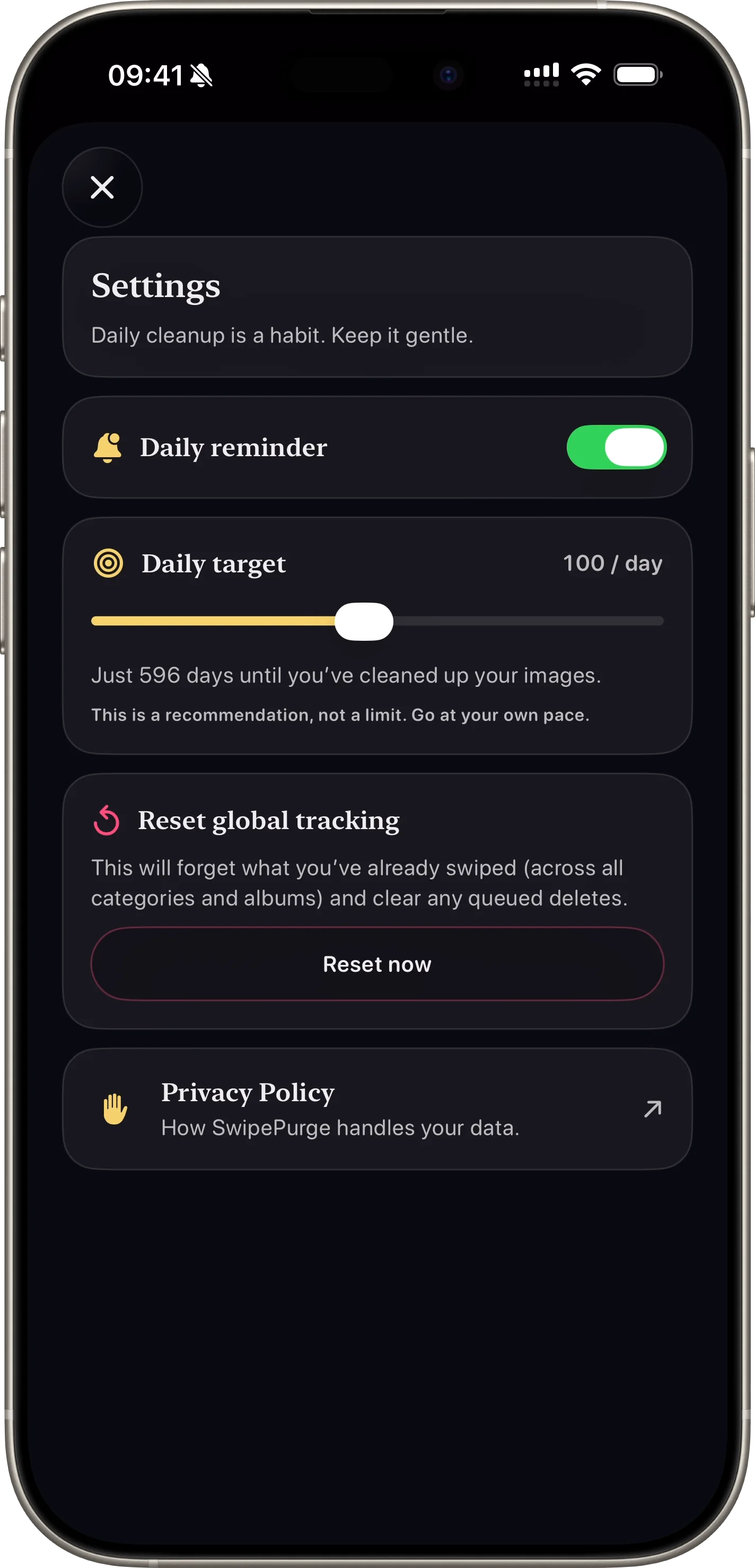
Yes. Progress and queued items persist so cleanup sessions can continue anytime.
Related features
safe photo deletion
An quan shan chu fu he
Zui hou yi bu que ren, jian shao wu shan feng xian.
Open Feature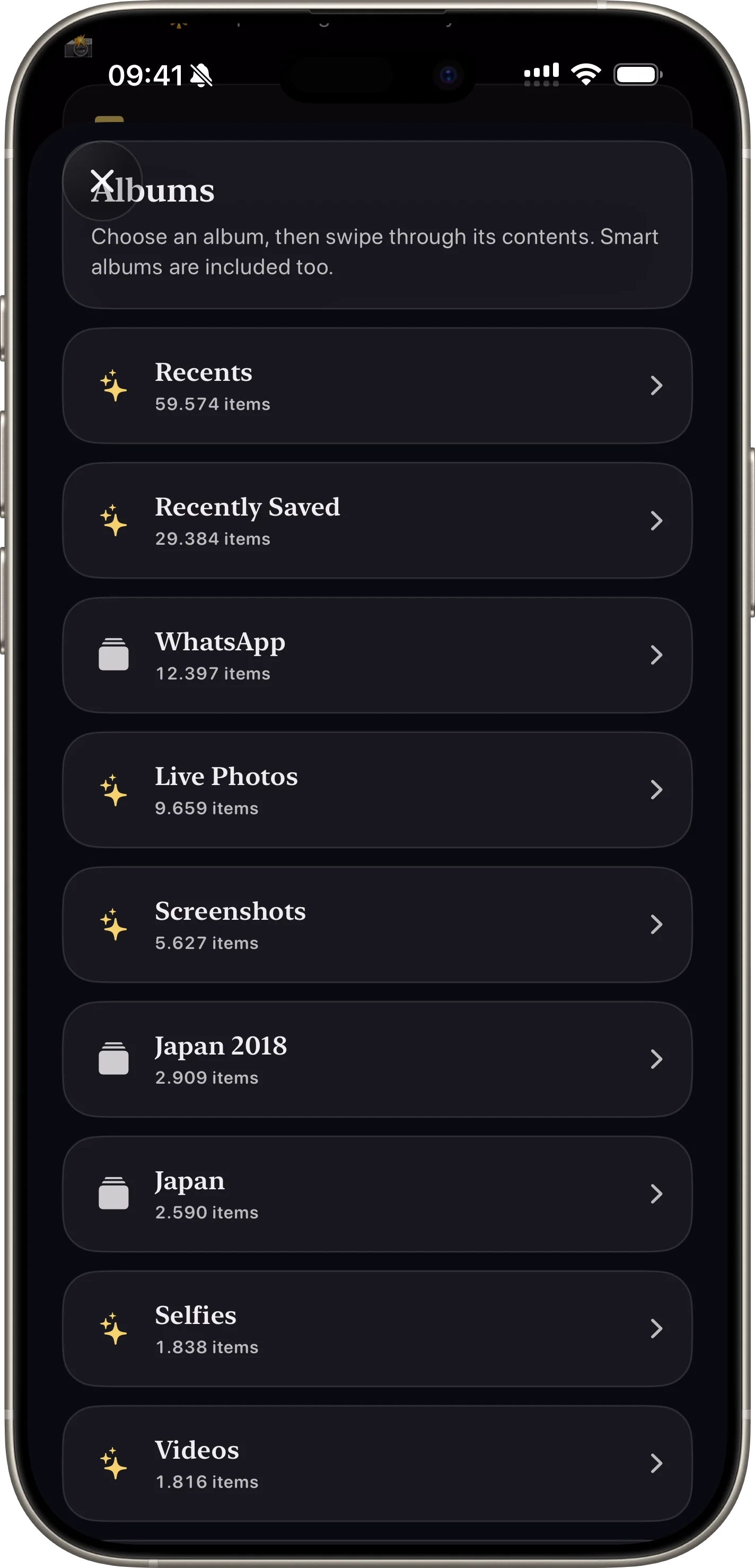
photo cleanup categories
Fen lei yu xiang ce qing li
Ke an jie tu, shi pin huo zhi ding xiang ce jin xing qing li.
Open Feature