swipe photo cleaner
Bystrye Swipe Resheniya
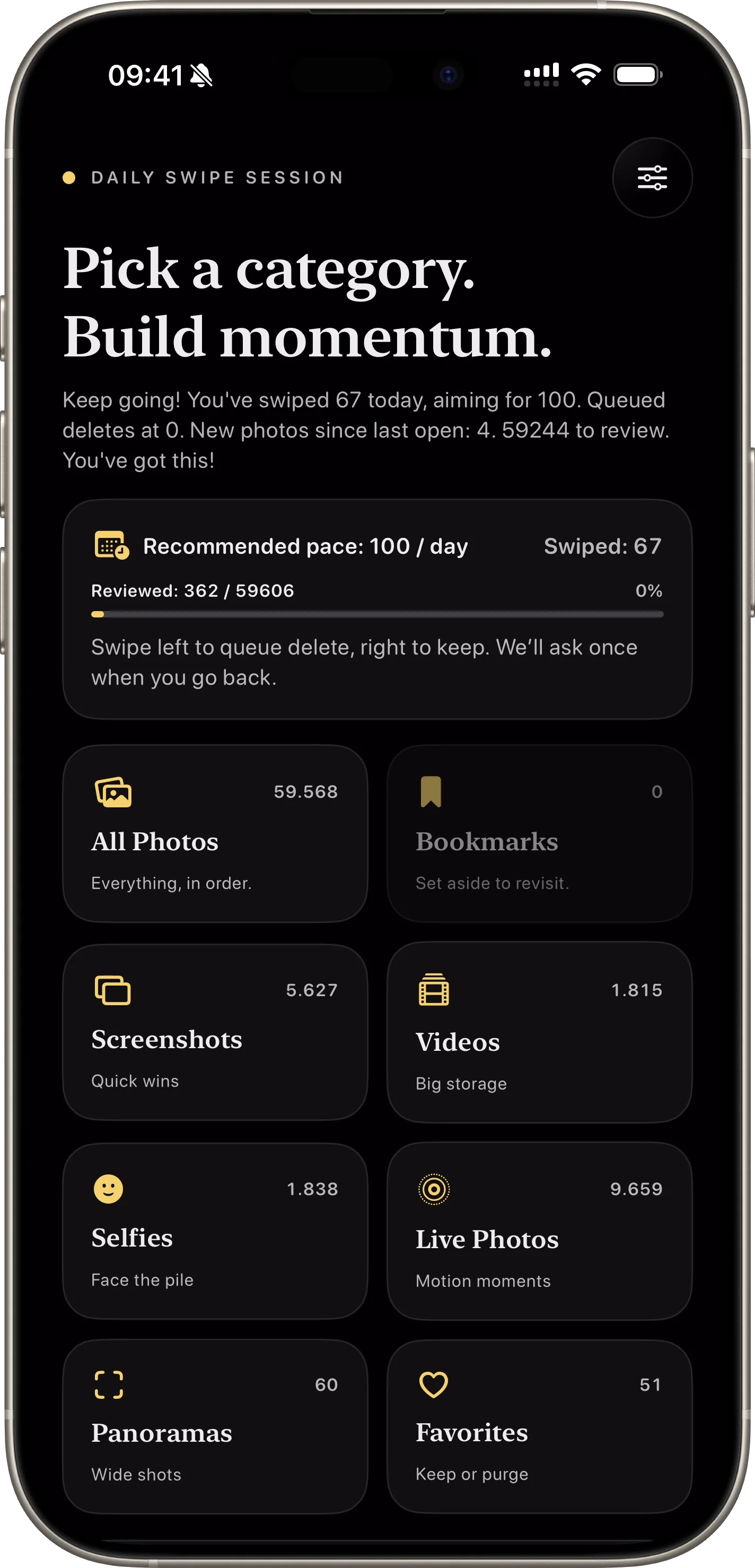
Funktsii SwipePurge sdelany dlya skorosti i bezopasnosti: kategorii lane, queue-first udaleniye, ponyatnye metriky progressa.
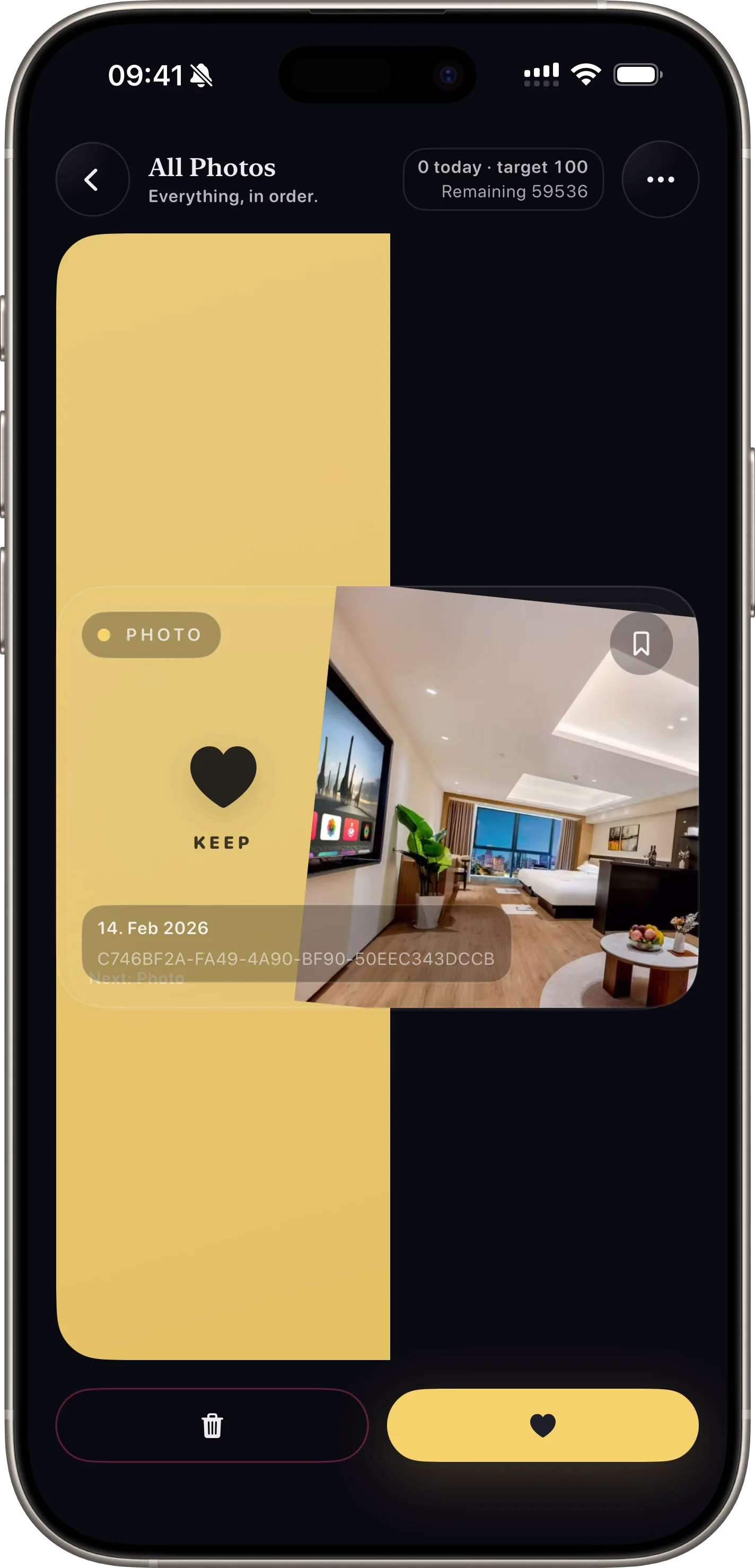
Bystraia ochistka bolshoi fotobiblioteki zhestami vlevo i vpravo.
Why this feature matters
- + Users can process large photo volumes quickly with one-thumb actions.
- + The interaction is intuitive and lowers decision fatigue.
- + Fast throughput helps convert installs into first-session wins.
How it works
- 01 Open a category or album lane.
- 02 Swipe right to keep an item.
- 03 Swipe left to queue it for deletion review.
Feature FAQ
Does swiping delete immediately?
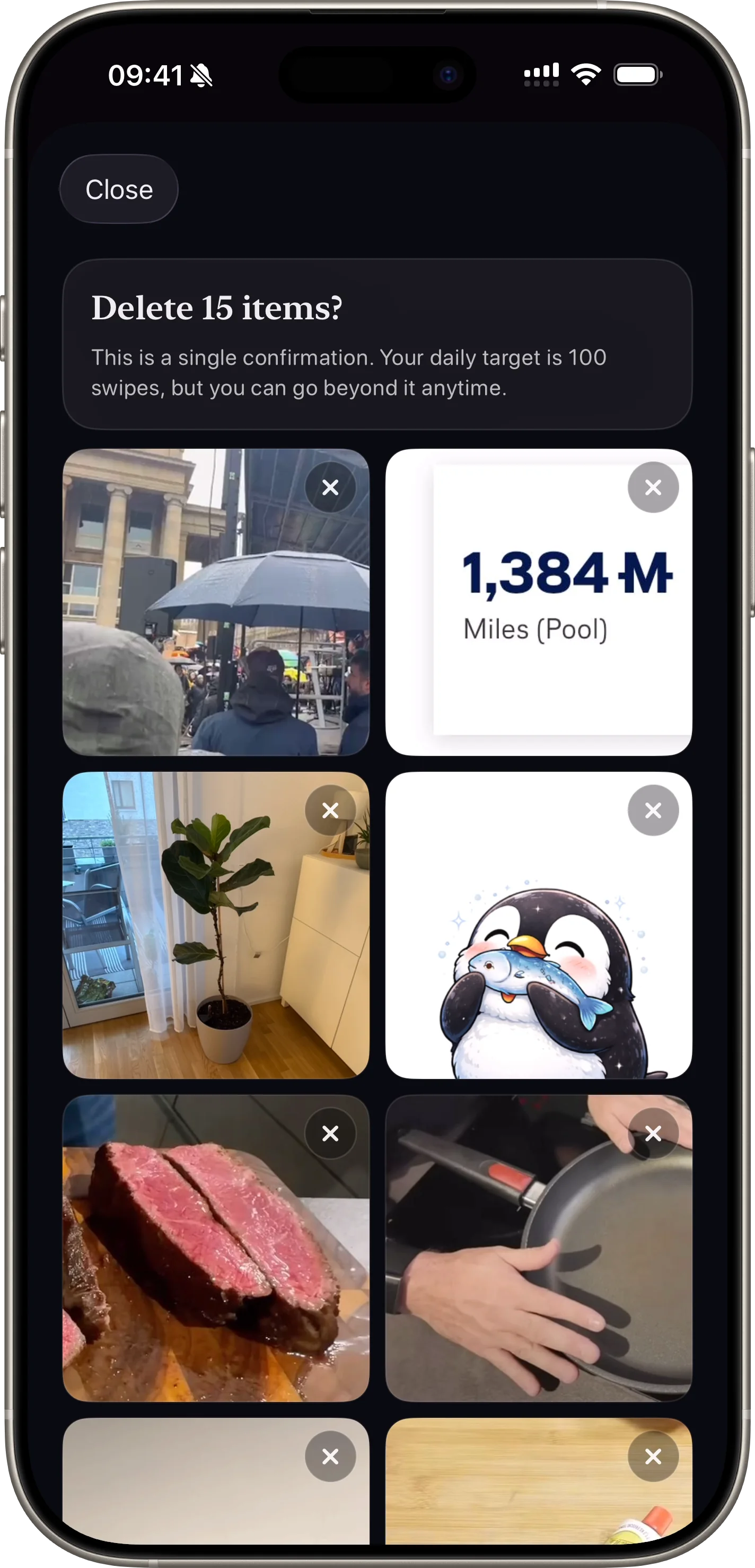
No. Left swipes add photos to a pending queue so users can review before deleting.
Can users stop and continue later?
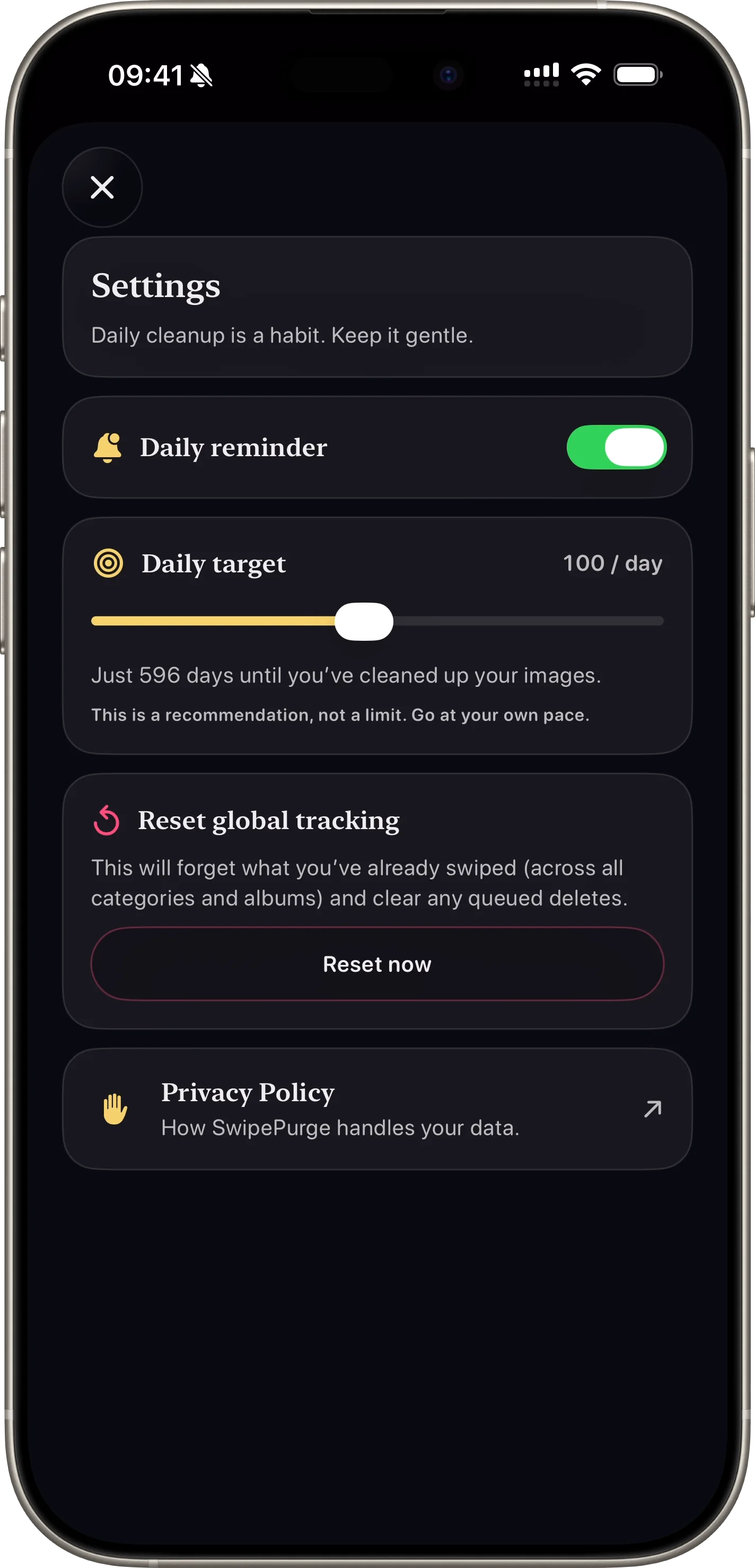
Yes. Progress and queued items persist so cleanup sessions can continue anytime.
Related features
safe photo deletion
Bezopasnoe Podtverzhdenie Udaleniya
Finalnaya proverka umenshaet sluchainoe udaleniye.
Open Feature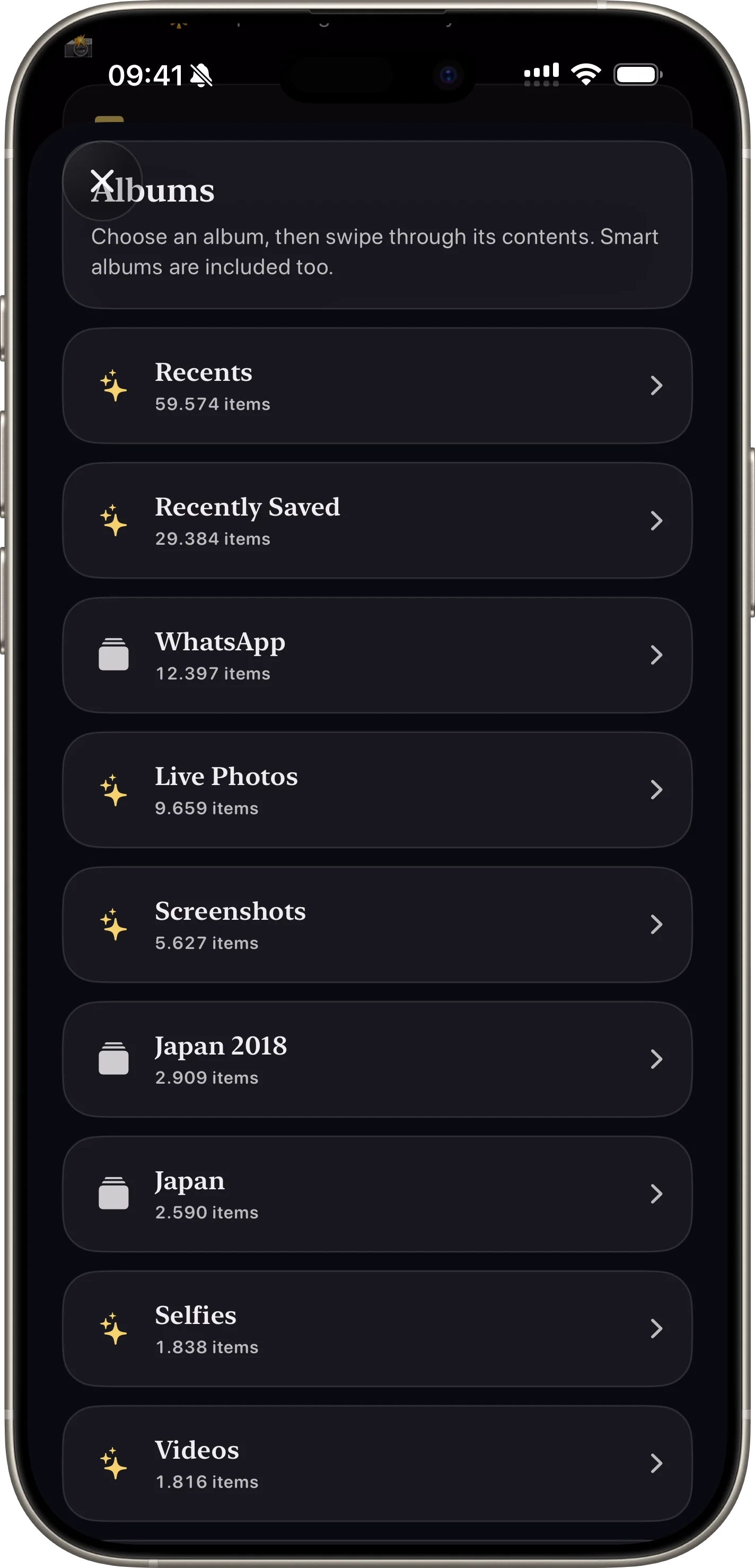
photo cleanup categories
Rezhimy Kategorii i Albomy
Ochistka po skrinshotam, video, izbrannomu i albomam.
Open Feature