photo cleanup categories
Rezhimy Kategorii i Albomy
Funktsii SwipePurge sdelany dlya skorosti i bezopasnosti: kategorii lane, queue-first udaleniye, ponyatnye metriky progressa.
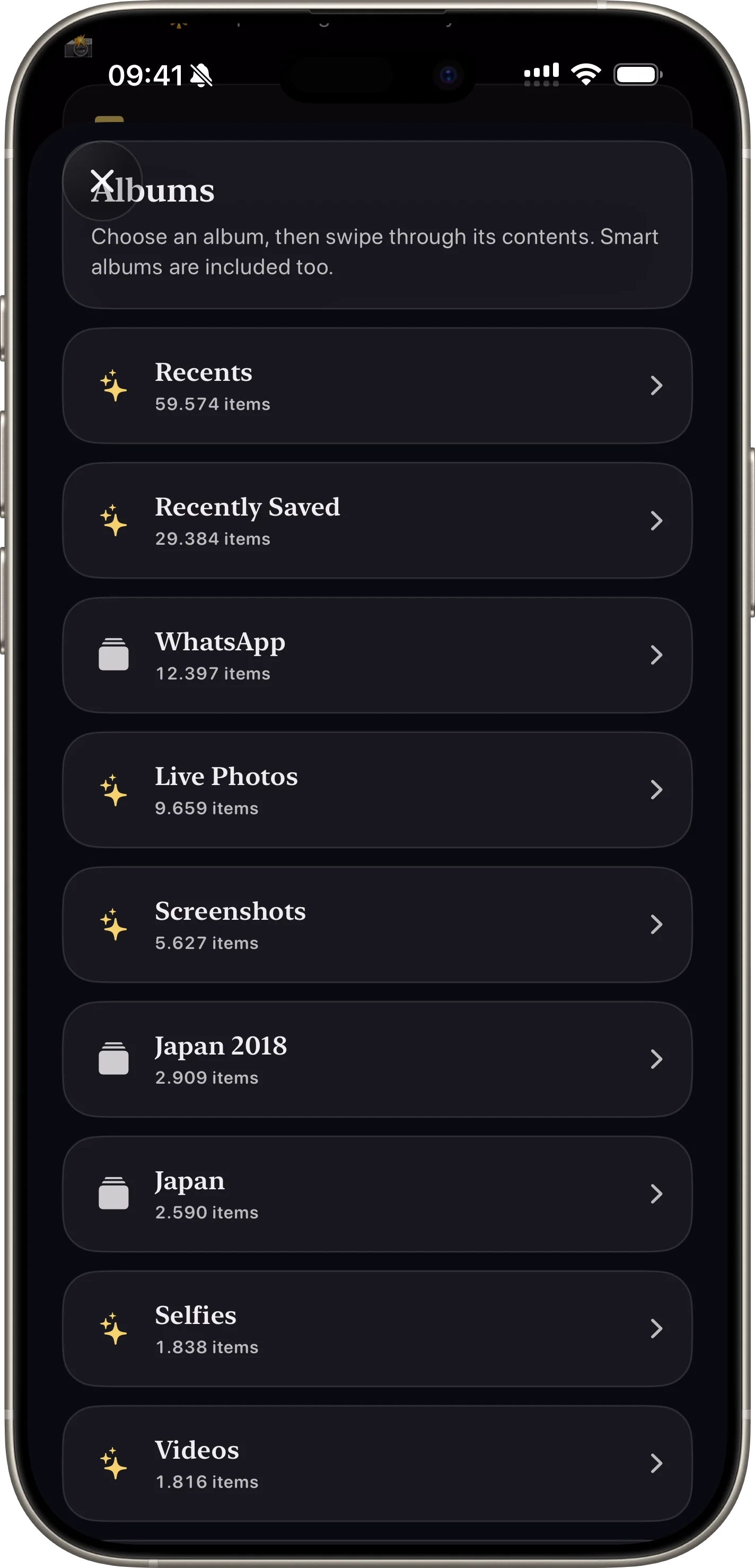
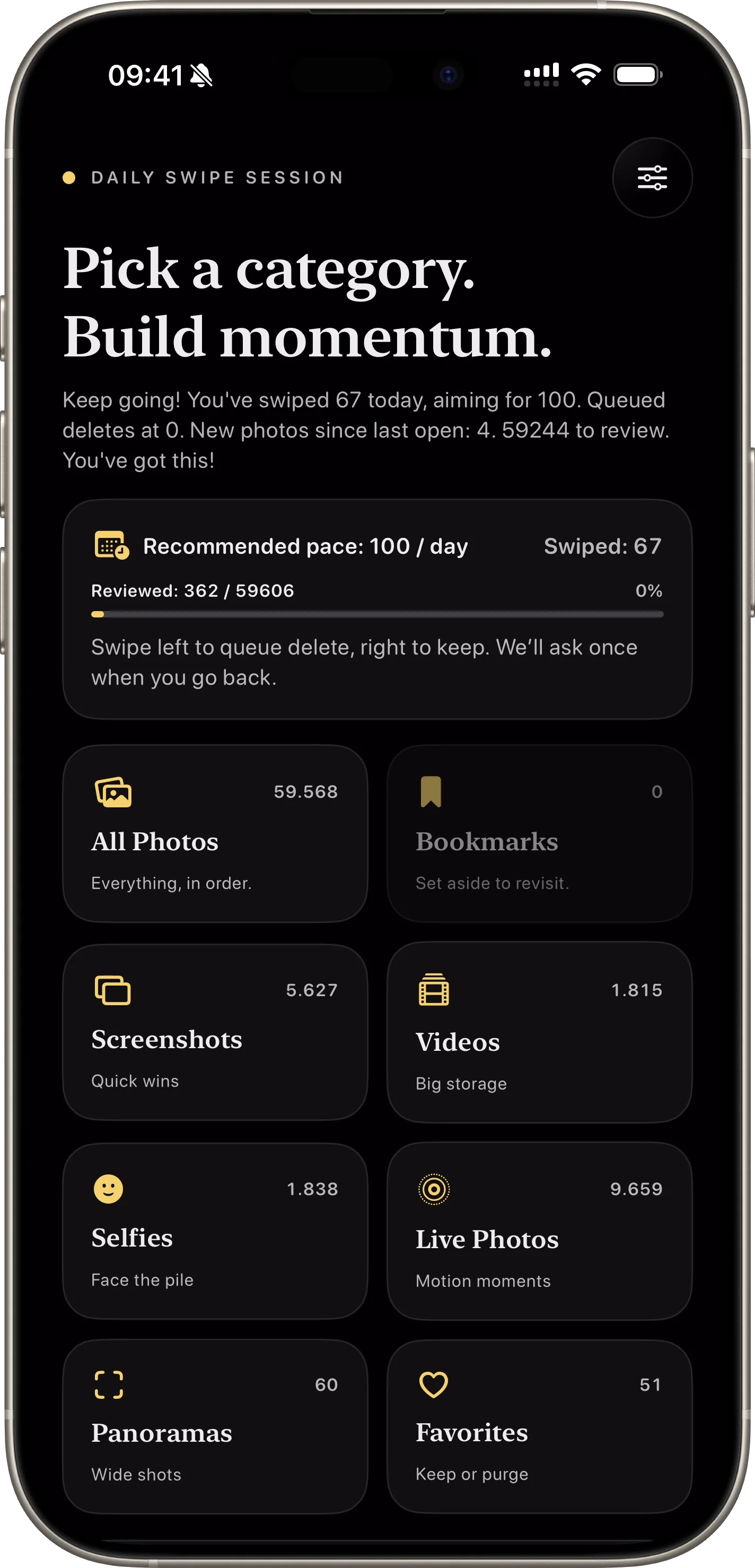
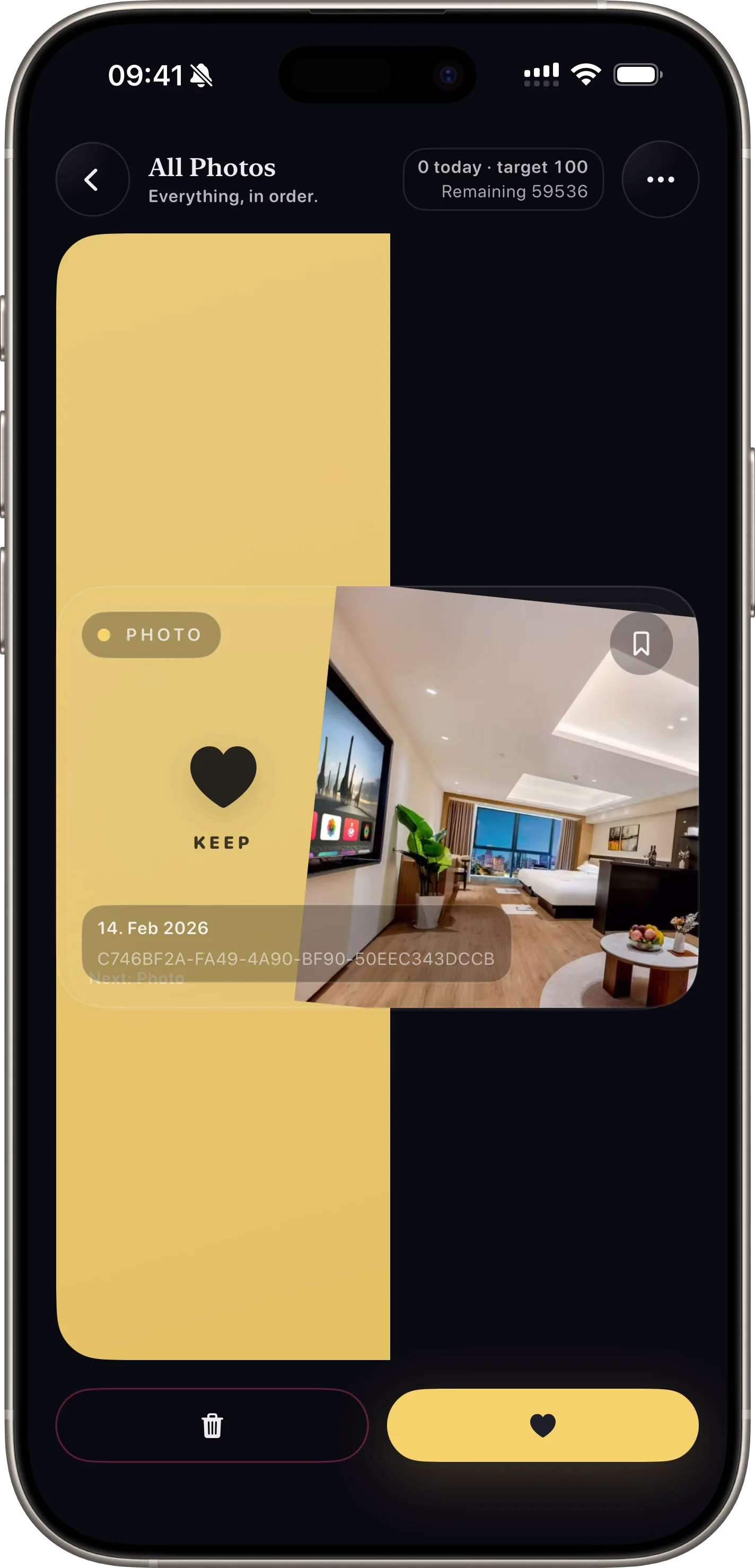
Ochistka po skrinshotam, video, izbrannomu i albomam.
Why this feature matters
- + Targeted lanes create faster wins for screenshots, videos, and similar clusters.
- + Album-focused sessions make cleanup feel organized and less random.
- + Users can prioritize high-storage media first.
How it works
- 01 Choose from built-in categories or albums.
- 02 Swipe through only relevant media for that lane.
- 03 Switch lanes when users want a different cleanup strategy.
Feature FAQ
Which lanes are available?
The app supports all photos, screenshots, videos, selfies, live photos, panoramas, favorites, and albums.
Can users focus only on videos?
Yes. Dedicated lanes make it easy to tackle the highest storage items first.
Related features
swipe photo cleaner
Bystrye Swipe Resheniya
Bystraia ochistka bolshoi fotobiblioteki zhestami vlevo i vpravo.
Open Feature safe photo deletion
Bezopasnoe Podtverzhdenie Udaleniya
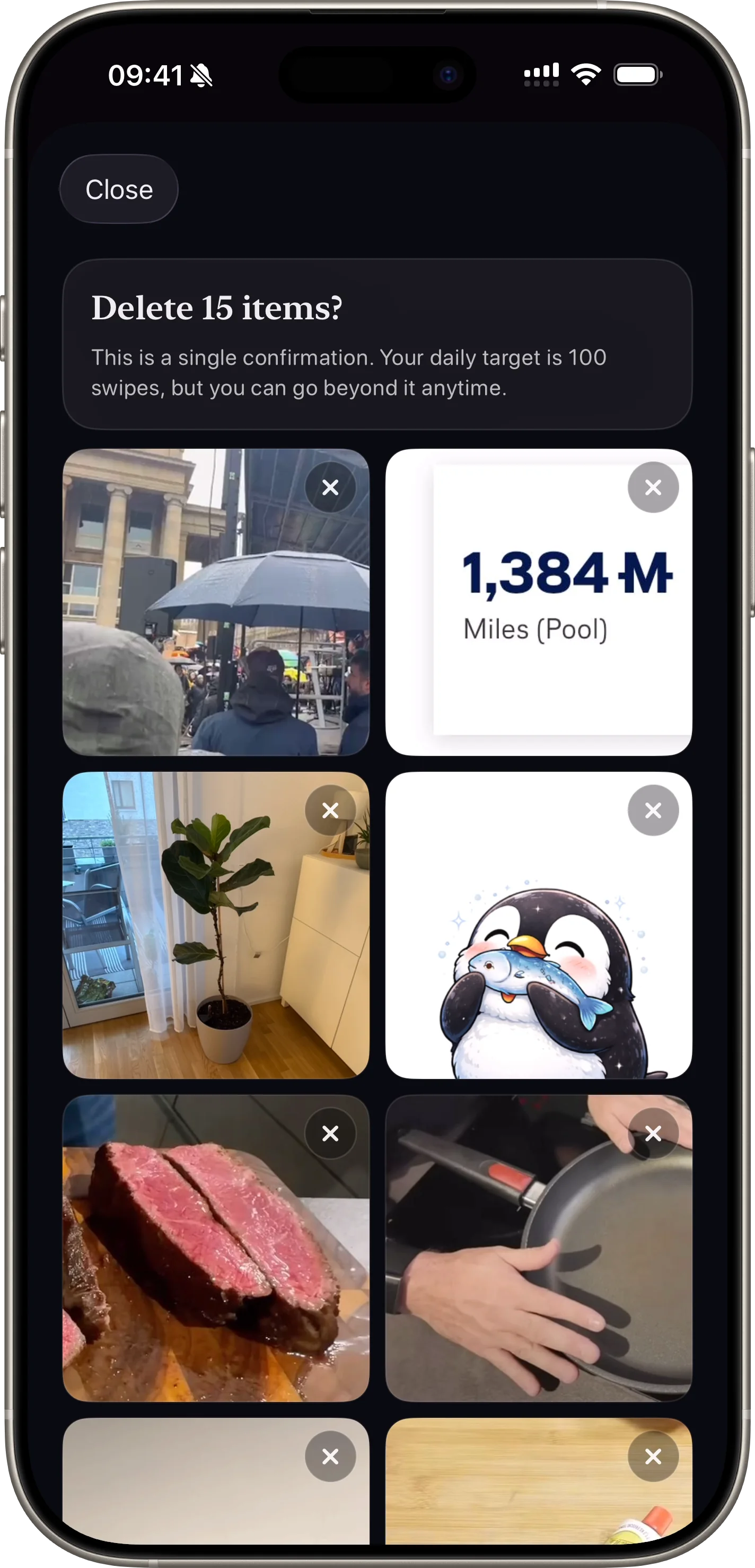
Finalnaya proverka umenshaet sluchainoe udaleniye.
Open Feature