01
swipe photo cleaner
Keputusan Swipe dalam Detik
Gestur kiri/kanan cepat untuk membersihkan library foto besar.
View FeaturePHOTO CLEANER FOR IPHONE
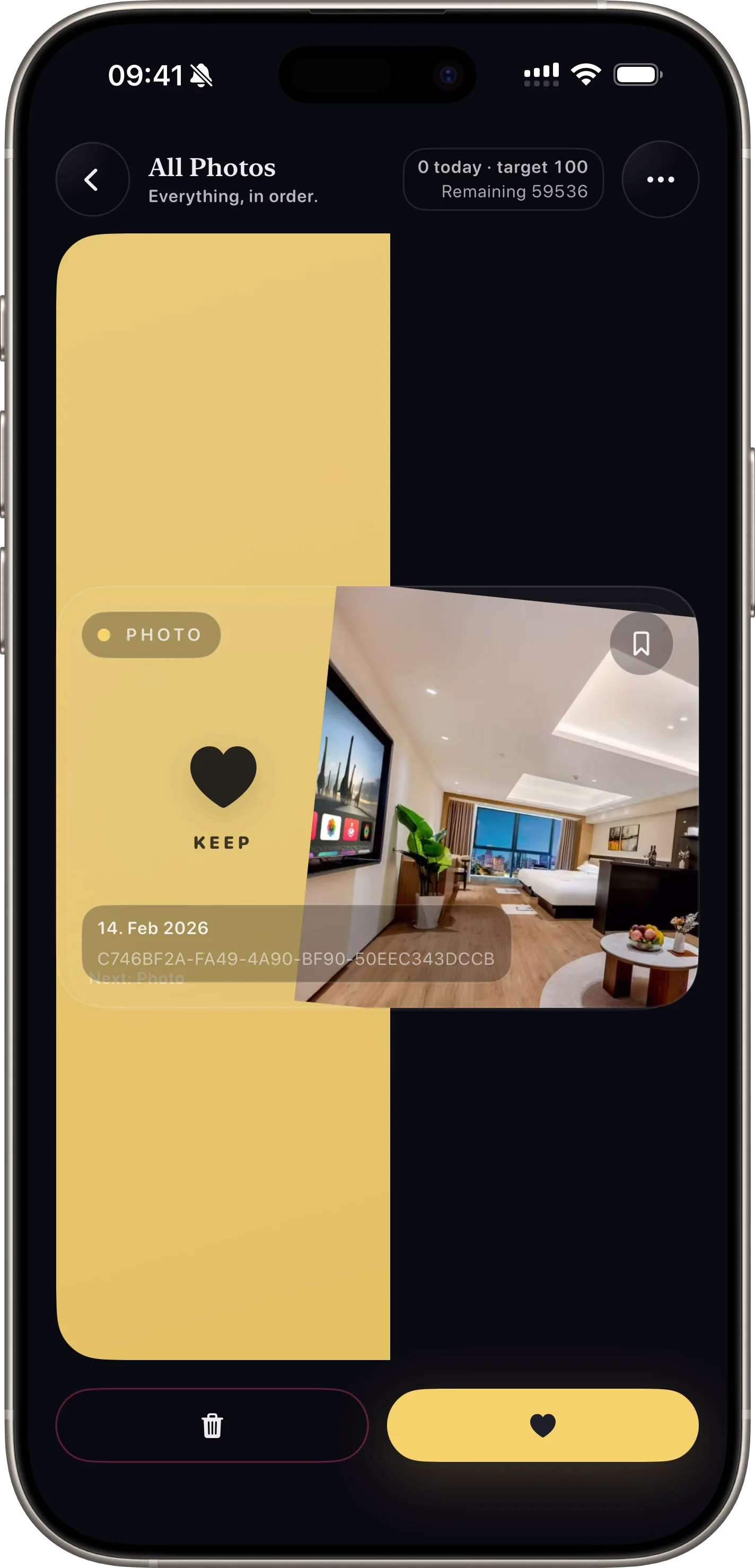
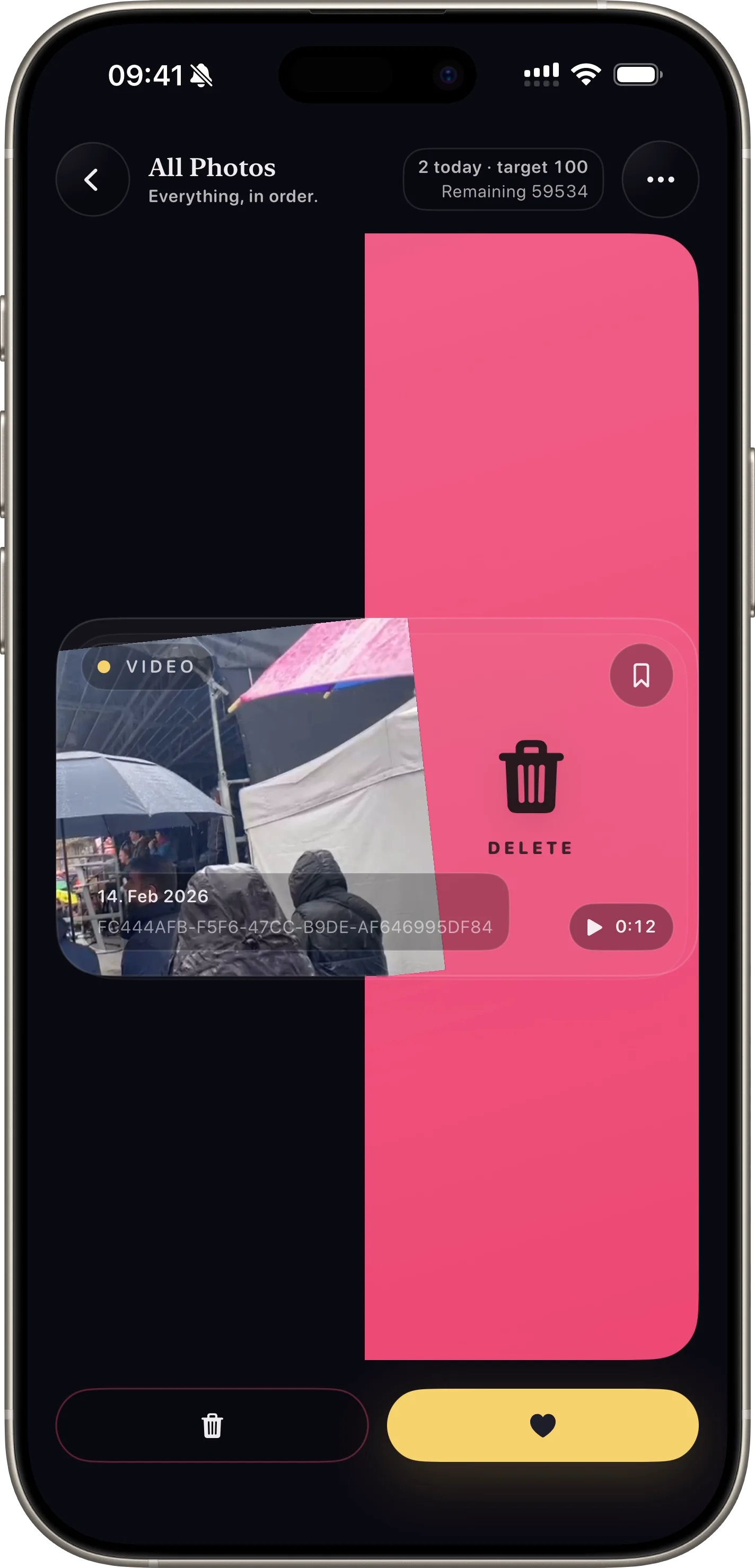
SwipePurge adalah app pembersih foto iPhone: swipe kanan untuk simpan, kiri untuk antre hapus, lalu konfirmasi semuanya sekali di review akhir.
Swipe kanan untuk simpan, kiri untuk antre hapus, lalu konfirmasi aman dalam satu langkah.
ALUR APP
The same flow from the app: pick a lane, swipe quickly, review deletes once, and reclaim storage with confidence.
swipe photo cleaner
Gestur kiri/kanan cepat untuk membersihkan library foto besar.
View Feature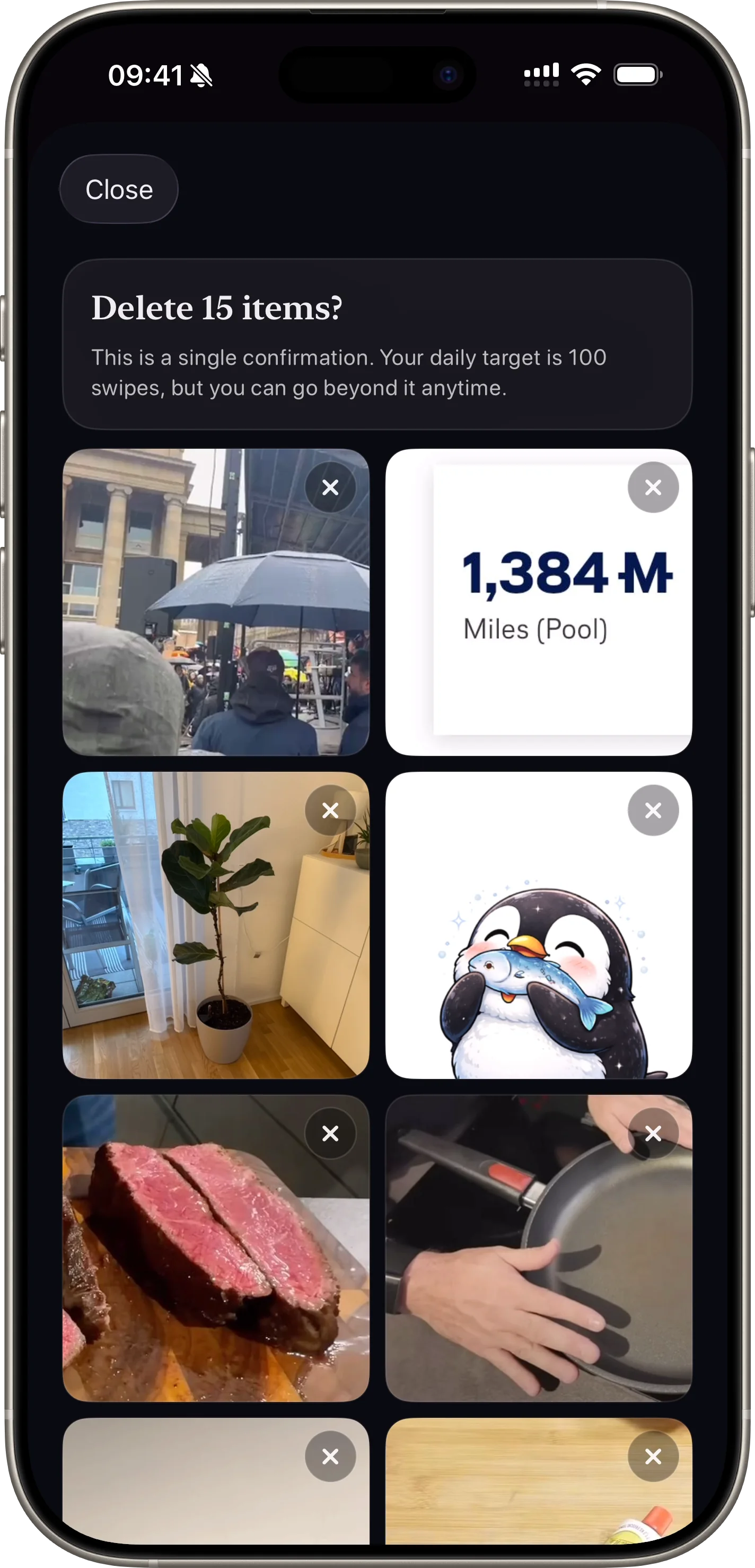
safe photo deletion
Konfirmasi akhir membantu menghindari salah hapus.
View Feature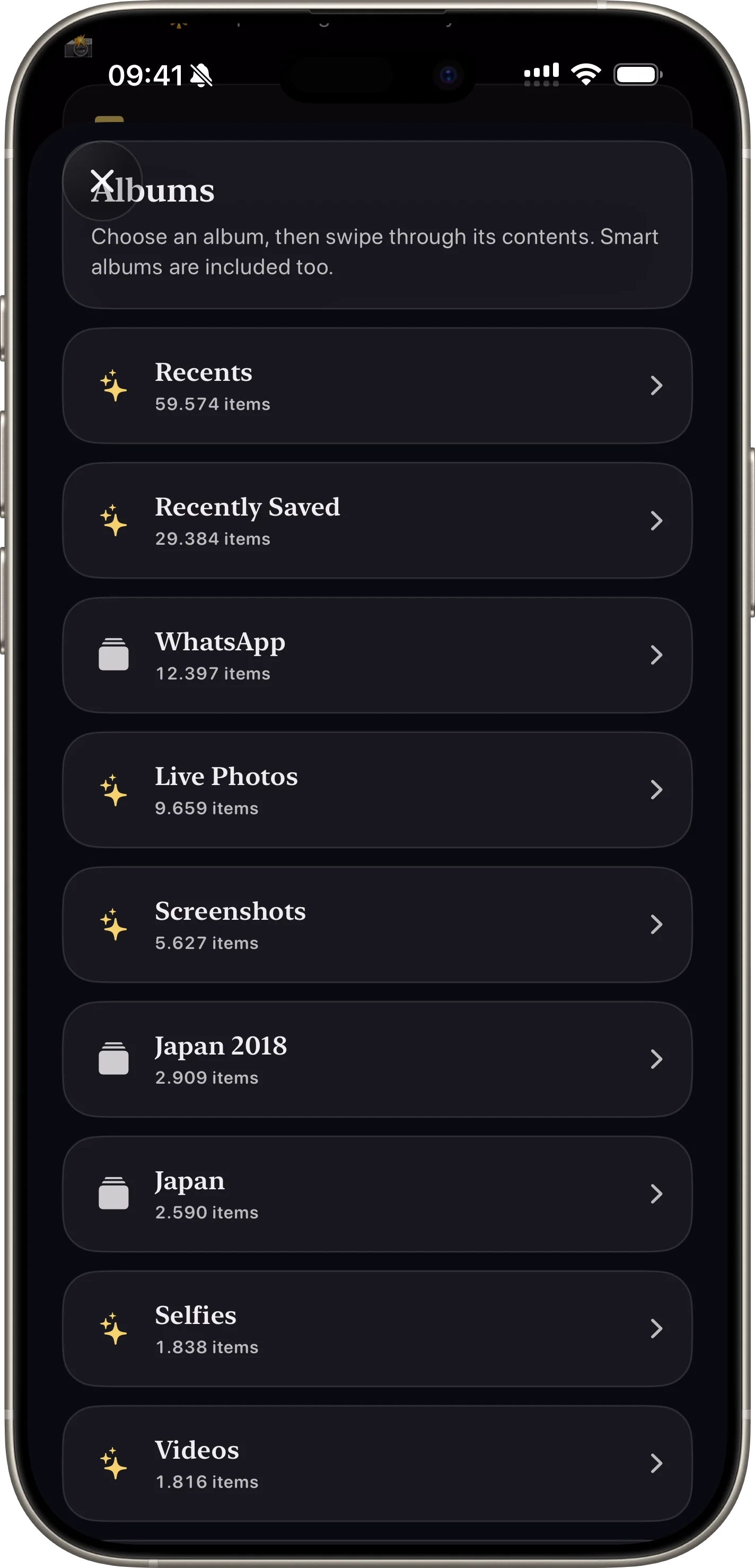
photo cleanup categories
Bersihkan screenshot, video, favorit, atau album tertentu.
View Feature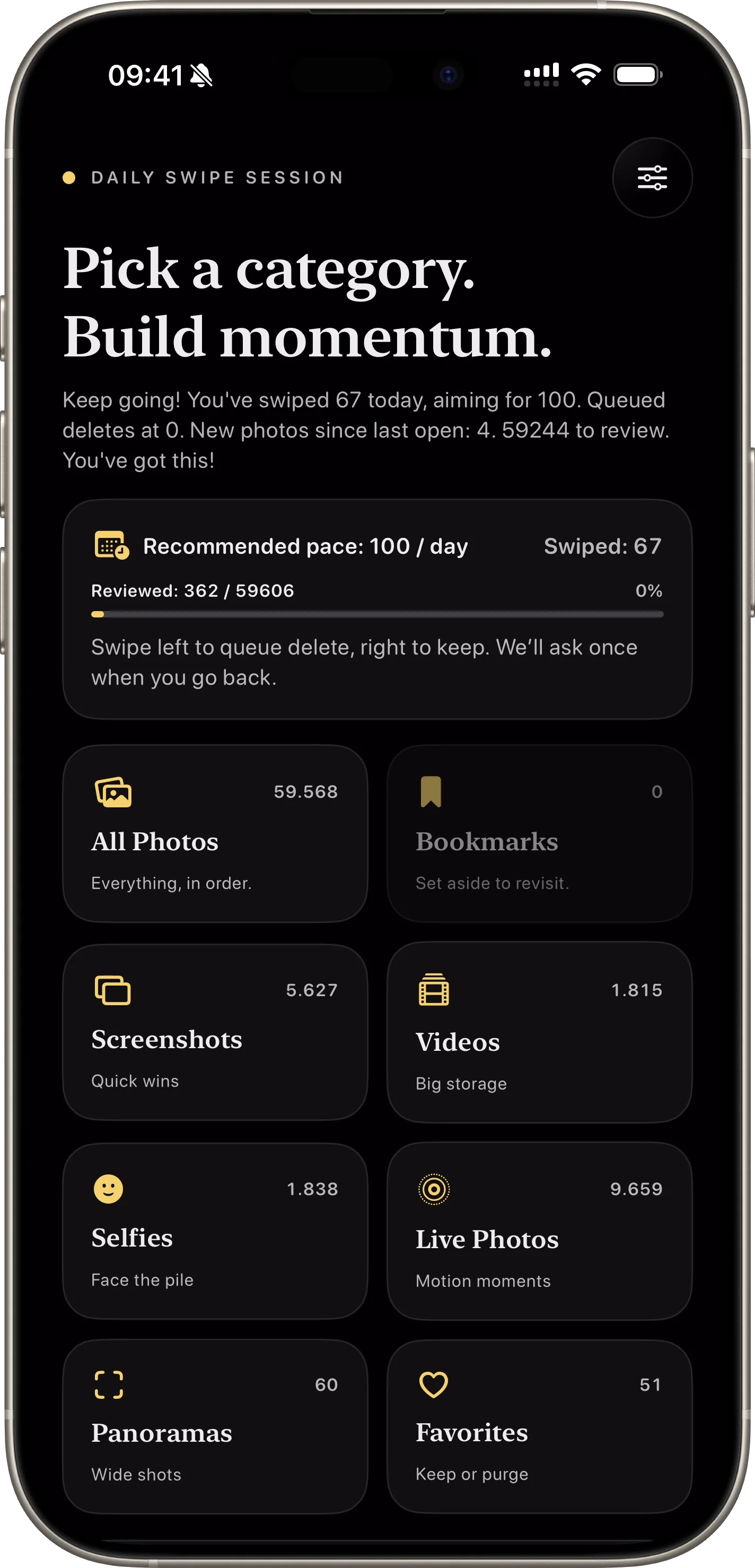
daily photo cleanup habit
Rutinitas harian ringan menjaga progres tetap konsisten.
View Feature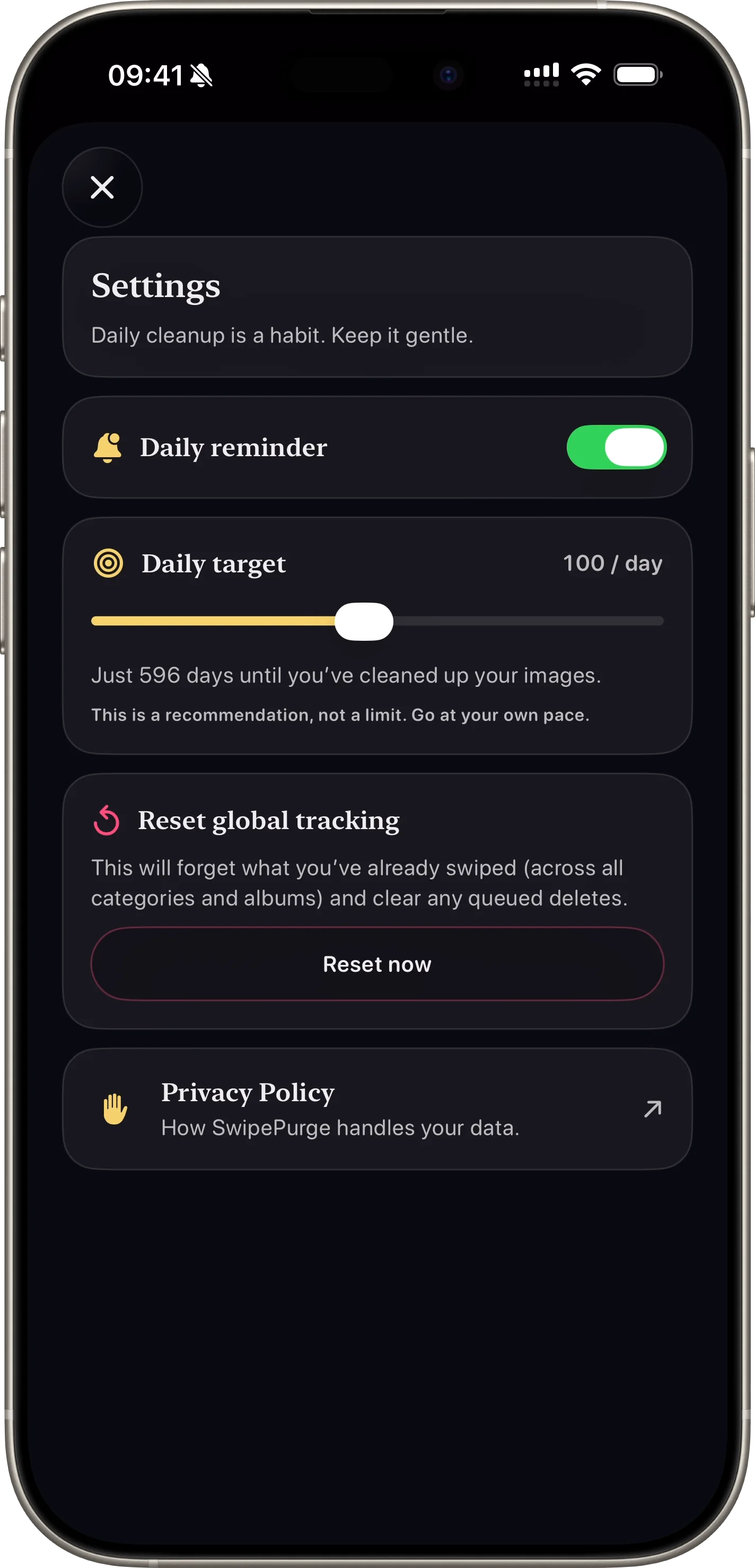
iphone storage saved
Pantau item ditinjau, dihapus, dan ruang yang diselamatkan.
View FeatureWatch App Preview
SwipePurge never deletes instantly. Every left swipe is queued first, then confirmed in one final review.
Unduh di App StoreFeature-level differences users usually ask about before installing a photo cleaner app.
| Cleanup goal | SwipePurge | Manual camera roll cleanup |
|---|---|---|
| Process a large library quickly | One-thumb left/right swipes keep momentum high | Open, select, and delete flow breaks pace |
| Avoid accidental deletion | Queue-first delete with one final review confirmation | Easy to delete in batches without safety checkpoint |
| Target only one media type | Use dedicated lanes for screenshots, videos, or albums | Requires repeated filter and selection work |
| Measure cleanup progress over time | Track reviewed, deleted, and storage reclaimed in-app | No unified progress signal across sessions |
SwipePurge helps people reduce photo clutter with a repeatable daily habit, not an exhausting one-time purge.
FAQ
Foto masuk antrean dulu. Penghapusan final dilakukan setelah review terakhir.
Bisa. Lane kategori dan album memudahkan cleanup yang terarah.
Ya. App menampilkan total ditinjau, dihapus, dan estimasi storage yang kembali.
Ya. Pengguna bisa set target swipe harian plus reminder opsional.