photo cleanup categories
Category and Album Lanes
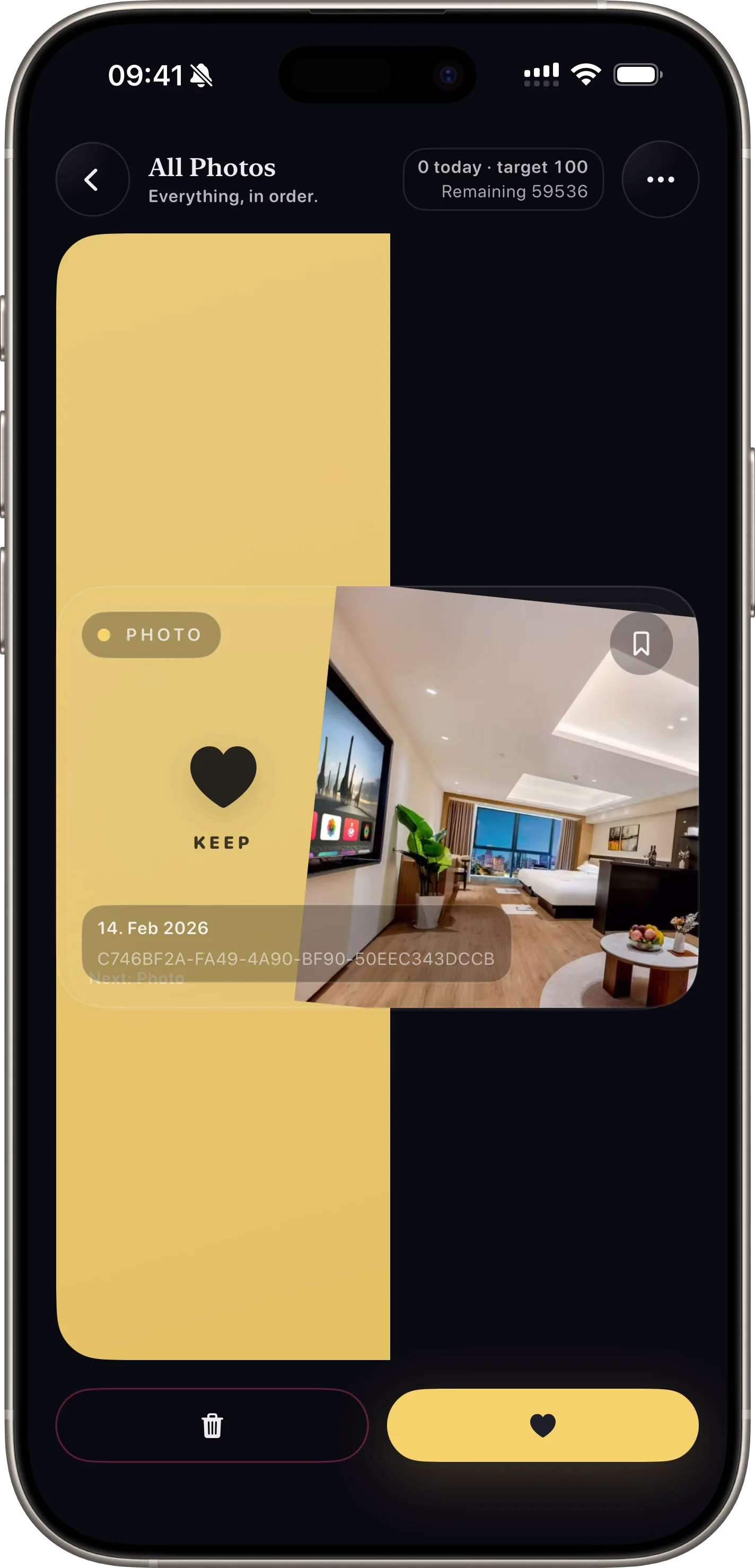
SwipePurge features are built around one job: help users clean photos faster without accidental loss through lanes, queue-first deletion, and visible progress stats.
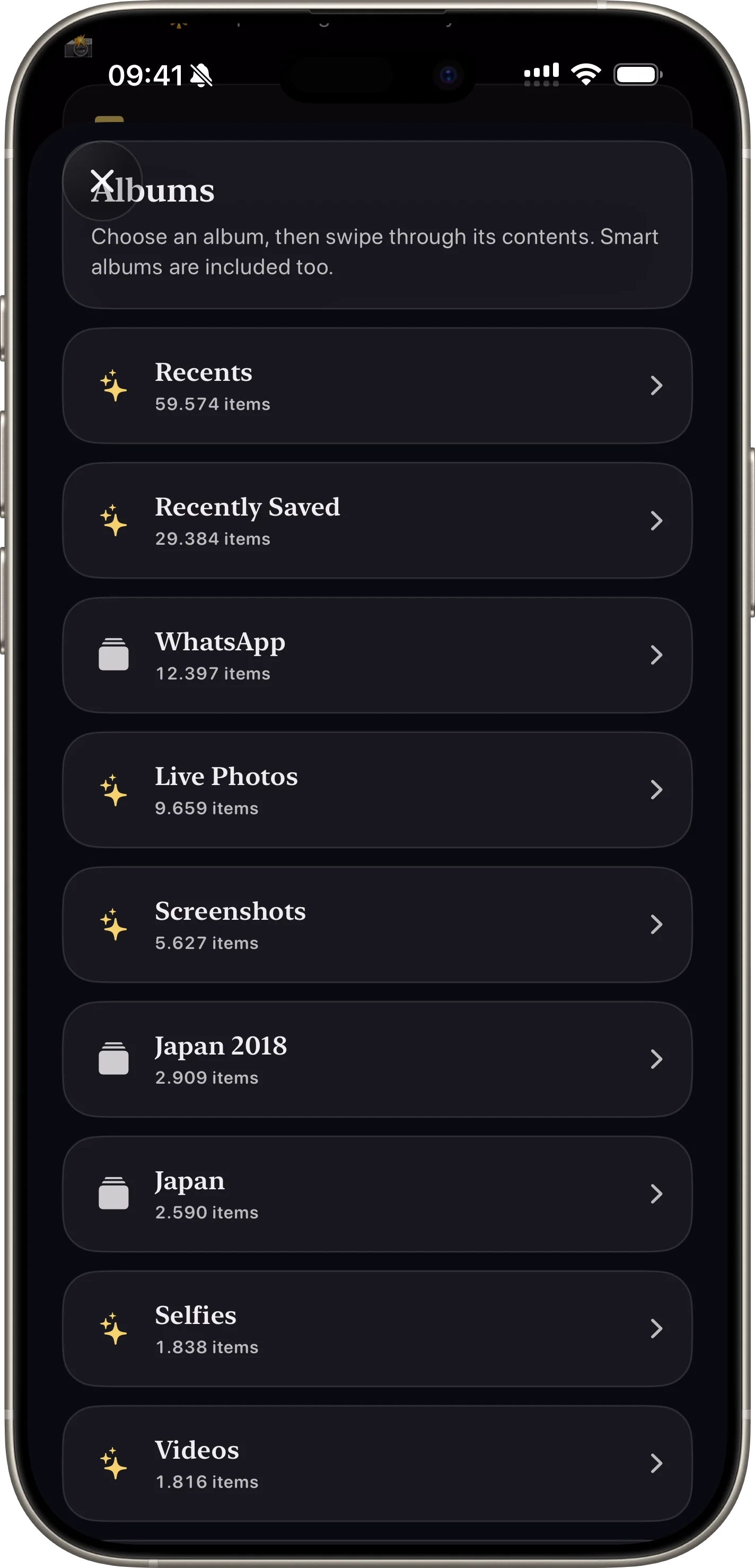
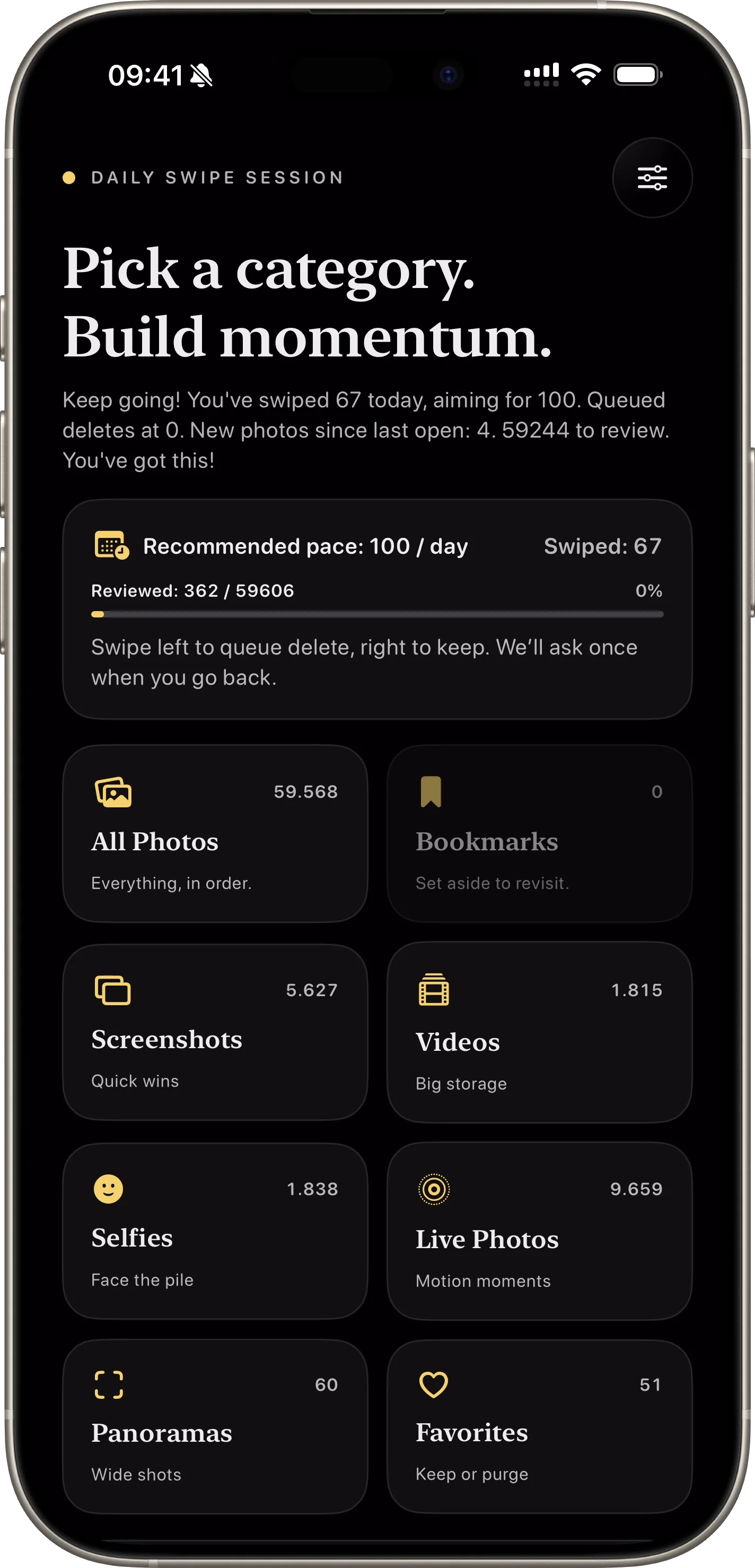
Users can clean by screenshots, videos, favorites, or specific albums.
Why this feature matters
- + Targeted lanes create faster wins for screenshots, videos, and similar clusters.
- + Album-focused sessions make cleanup feel organized and less random.
- + Users can prioritize high-storage media first.
How it works
- 01 Choose from built-in categories or albums.
- 02 Swipe through only relevant media for that lane.
- 03 Switch lanes when users want a different cleanup strategy.
Feature FAQ
Which lanes are available?
The app supports all photos, screenshots, videos, selfies, live photos, panoramas, favorites, and albums.
Can users focus only on videos?
Yes. Dedicated lanes make it easy to tackle the highest storage items first.
Related features
swipe photo cleaner
Swipe Decisions in Seconds
Fast left/right gestures let users clean large libraries without friction.
Open Feature safe photo deletion
Safe Delete Review
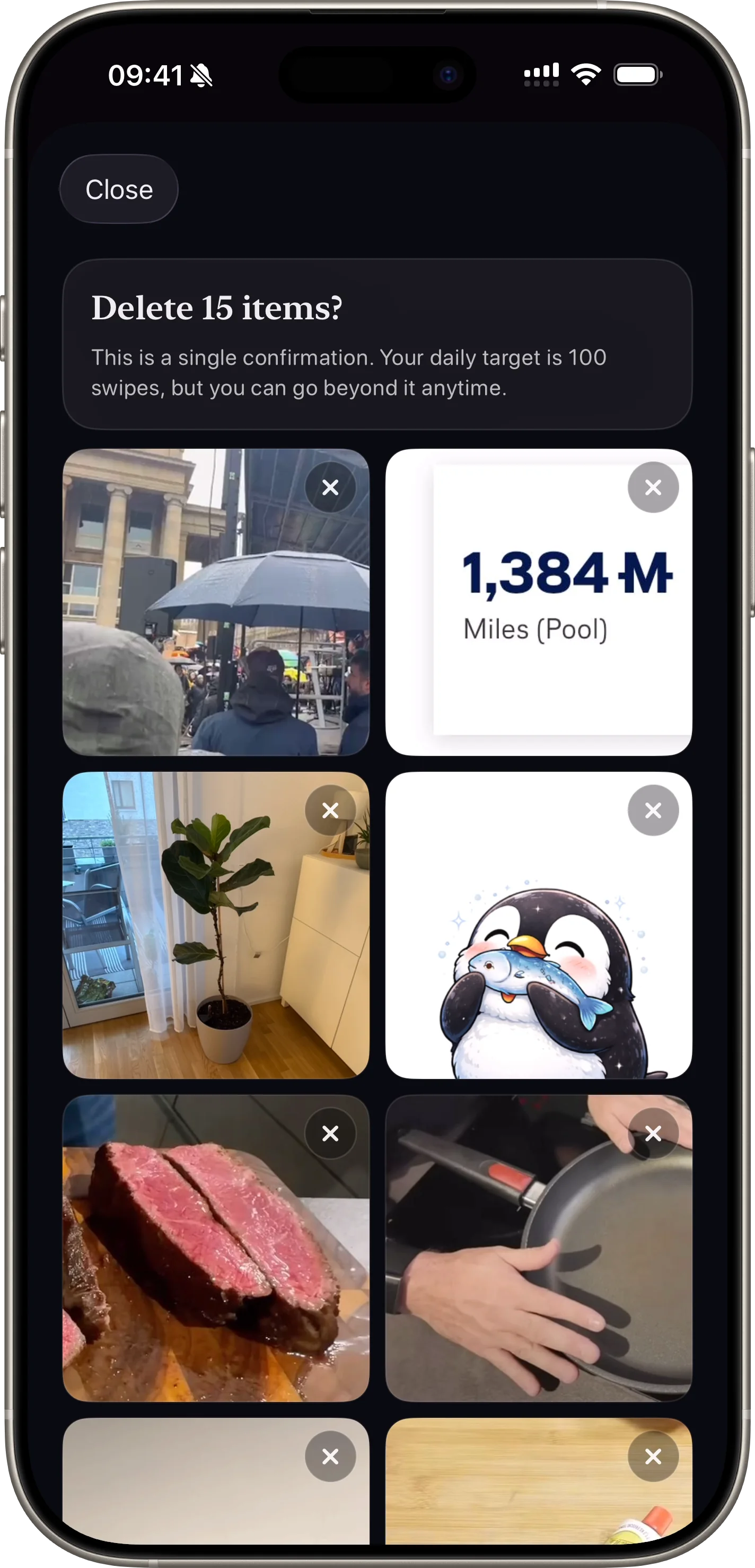
A final confirmation step protects users from accidental photo deletion.
Open Feature