Safer Deletion
Safe Photo Delete Workflows for iPhone Users
SwipePurge blog articles explain practical camera roll cleanup workflows, safety-first delete patterns, and growth insights for photo cleaner app discoverability.
Why queue-first deletion and final confirmation steps increase trust and retention.
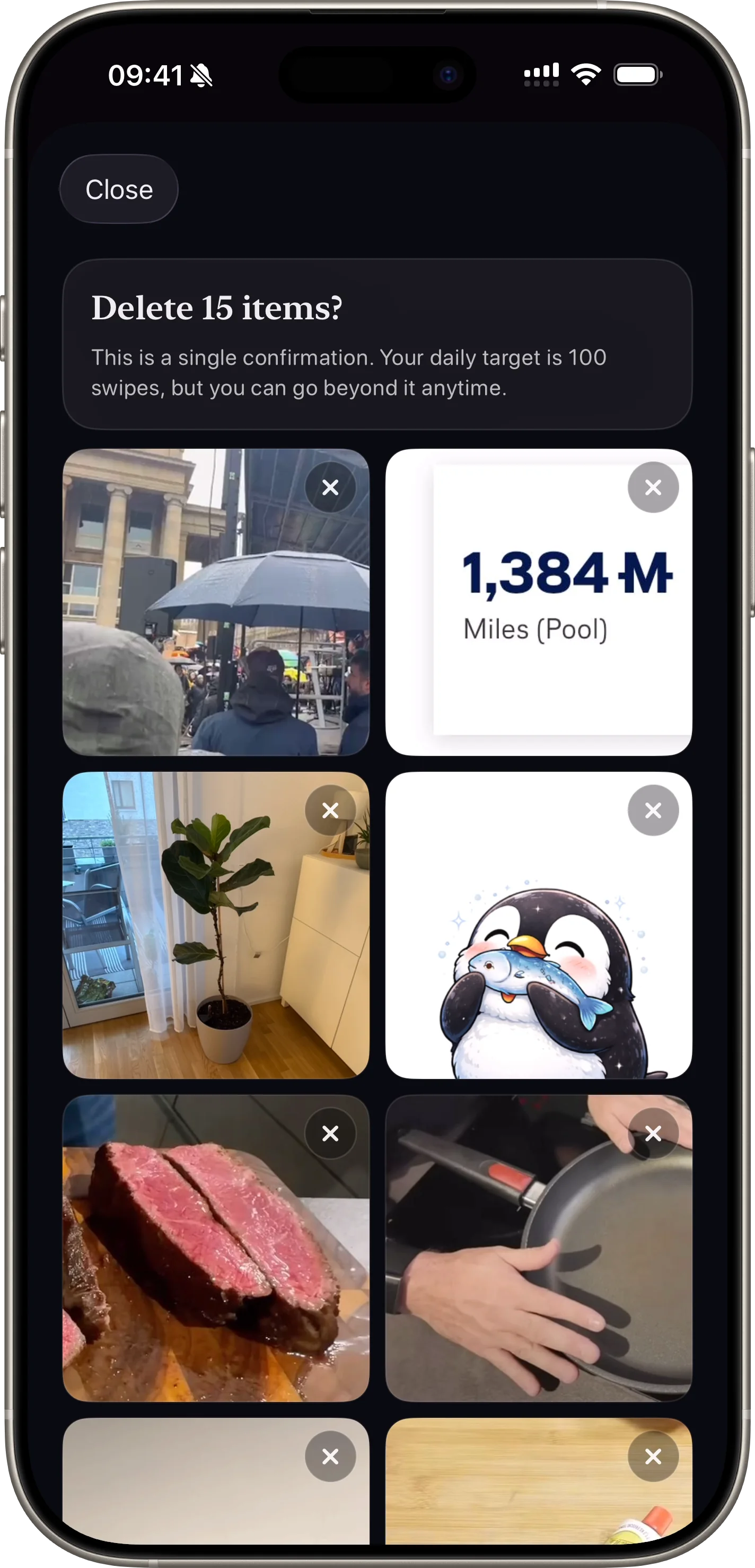
Why users fear cleanup apps
People worry about accidental deletion. If an app feels risky, retention drops quickly after install.
Safety language and review checkpoints should be visible before users perform destructive actions.
Designing a queue-first delete flow
Queue-first means users mark candidates now and confirm later. This keeps momentum high while preserving control.
The review stage should allow both bulk confirmation and single-item recovery.
What to show in the review screen
Show total count, visual previews, and clear action labels. Avoid ambiguous wording for destructive actions.
Use direct copy such as "Delete now" or "Keep all" so users understand the exact result.
FAQ
Should delete be one-tap from the swipe deck?
No. A two-step pattern is safer and improves trust for camera roll cleanup.
Can users recover before confirming?
Yes. Users should be able to remove queued items before final deletion.
Related articles
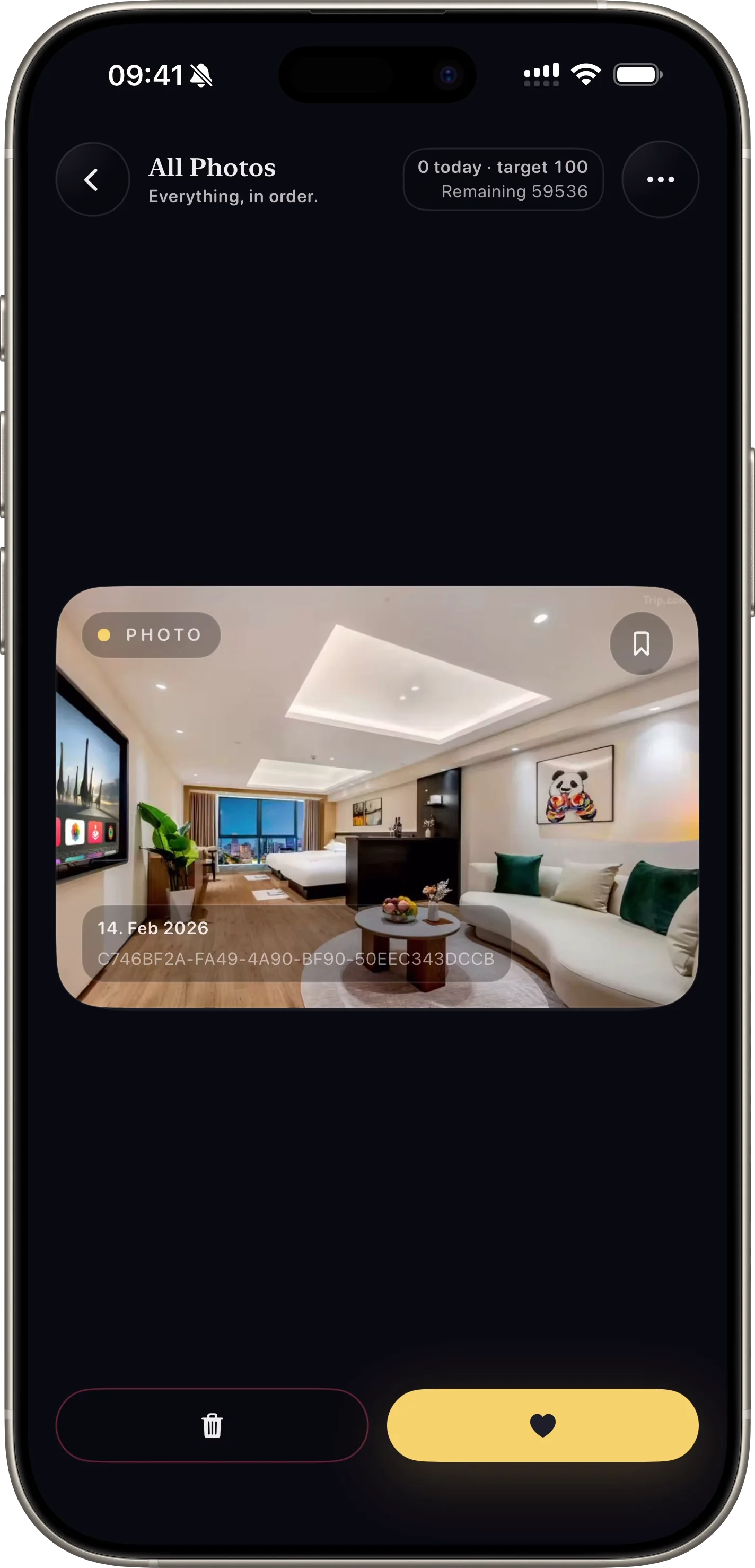
Photo Cleanup Strategy
How to Clean Your Camera Roll Without Feeling Overwhelmed
A repeatable workflow to reduce clutter with daily progress and lower decision fatigue.
Read Article